
Mastering QuickBooks Desktop
About This Course
This Course is a comprehensive course designed to help small business owners, bookkeepers, accountants, and administrative professionals gain full control over their financial records using QuickBooks Desktop.
Whether you’re new to QuickBooks or looking to deepen your understanding, this course provides the tools and techniques needed to confidently manage your business finances.
Also, this course covers essential features of QuickBooks Desktop, including setting up a company file, managing customers and vendors, processing invoices and payments, tracking expenses, reconciling accounts, running reports, and maintaining accurate financial records.
This course is ideal for users of QuickBooks Desktop Pro, Premier, or Enterprise, and assumes basic computer literacy. No prior accounting knowledge is required—just a willingness to learn
Learning Objectives
Material Includes
- QuickBooks downloadable Recourses
- 1 Year Access (for full payment method)
- Quizzes
- Final Project
Requirements
- Computer and Stable Internet.
- Time Commitment.
- A Willingness to Learn.
Target Audience
- Aspiring Accountants and Finance Students.
- Accounting Professionals.
- Small Business Owners & Entrepreneurs.
- Freelancers and Self-Employed Individuals.
- Bookkeepers.
- Consultants and Financial Advisors.
- Any Individual Interested in QuickBooks Desktop.
Curriculum
MODULE #1: INTRODUCTION
Introduction of QuickBooks [1]
Introduction of QuickBooks [2]
Install QuickBooks
MODULE #2: COMPANY SETUP
MODULE #3: BUSINESS TRANSACTIONS
MODULE #4: BANK ACCOUNTS
MODULE #5: STATEMENTS
MODULE #6: USER AUTHORITY
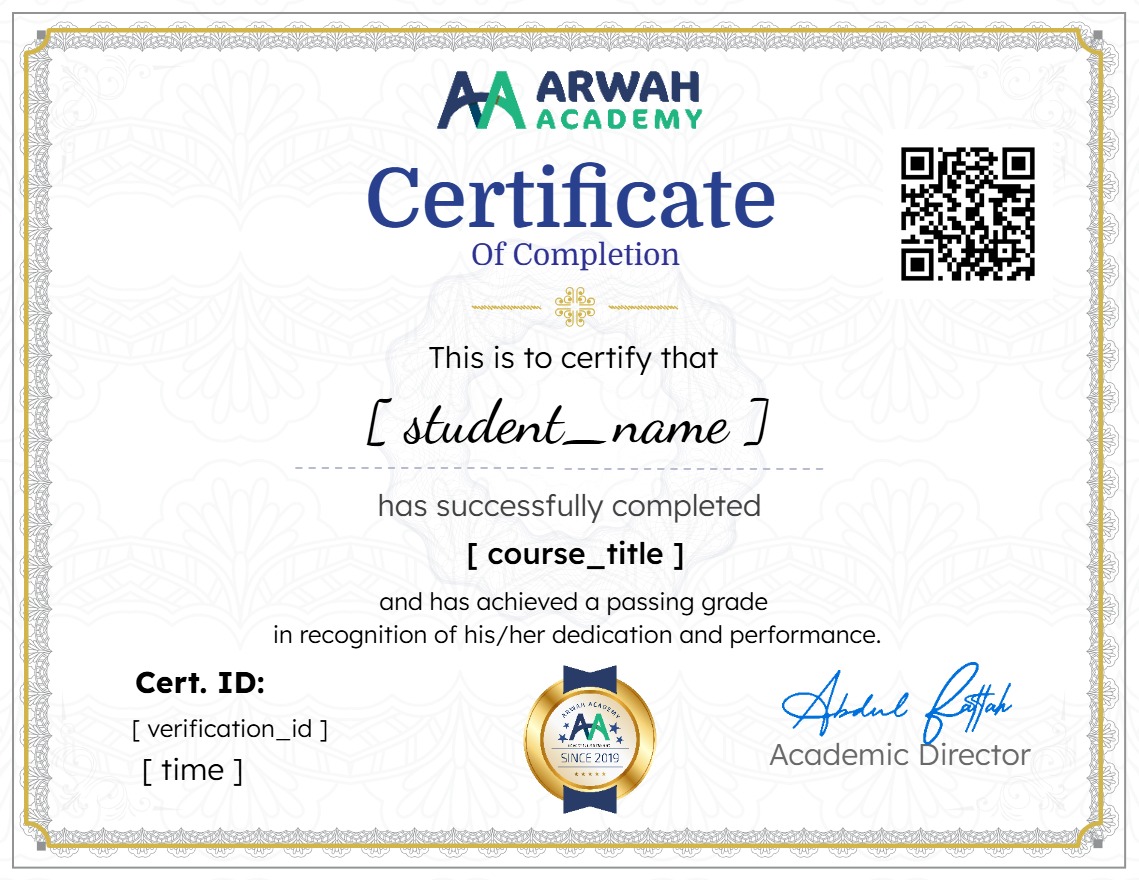
Earn a certificate
Add this certificate to your resume to demonstrate your skills & increase your chances of getting noticed.
Your Instructors

admin
See more
$20.99
Material Includes
- QuickBooks downloadable Recourses
- 1 Year Access (for full payment method)
- Quizzes
- Final Project
