Learn Windows Installation Process
About This Course
This course provides a comprehensive, step-by-step guide to installing Microsoft Windows operating systems on personal and enterprise-level computers.
Students will learn about system requirements, installation types, disk partitioning, BIOS/UEFI configuration, and post-installation tasks such as driver setup and Windows updates.
Emphasis is placed on both manual and automated installation techniques using tools like Windows Media Creation Tool and Windows Deployment Services (WDS).
By the end of the Windows Installation Process course, learners will be able to:
- Identify the hardware and system requirements for various versions of Microsoft Windows.
- Configure BIOS/UEFI settings to initiate boot from installation media.
-
Partition and format hard drives appropriately during installation.
-
Install and configure essential drivers and system updates post-installation.
- and much more…
Learning Objectives
Material Includes
- Microsoft Windows Installation Setups
- 1 Year Access (for full payment method)
- Quizzes
- Final Exam
Requirements
- Basic computer literacy and familiarity with computer hardware components.
- It is important that you have to a flash drive with windows and a laptop or computer that will be installed with windows.
- Basic understanding of computer networks and hardware concepts.
- Basic understanding of OS and Application concepts.
- Experience with using the Windows OS.
Target Audience
- IT Professionals who perform installation, configuration, general local management.
- Maintenance of Windows 10 core services, and may also be familiar with enterprise.
- Scenarios and cloud-integrated services.
Curriculum
MODULE #1: INTRODUCTIONS
Windows Installation Process
Disk Partition Concept
MBR vs. GPT | 1
MBR vs. GPT | 2
MBR vs. GPT Process | 3
BIOS setup Configuring [1]
BIOS setup Configuring [2]
BIOS setup Configuring [3]
Tools you need before Installation
MODULE #2: WINDOWS INSTALLATION
MODULE #3: WINDOWS DRIVERS
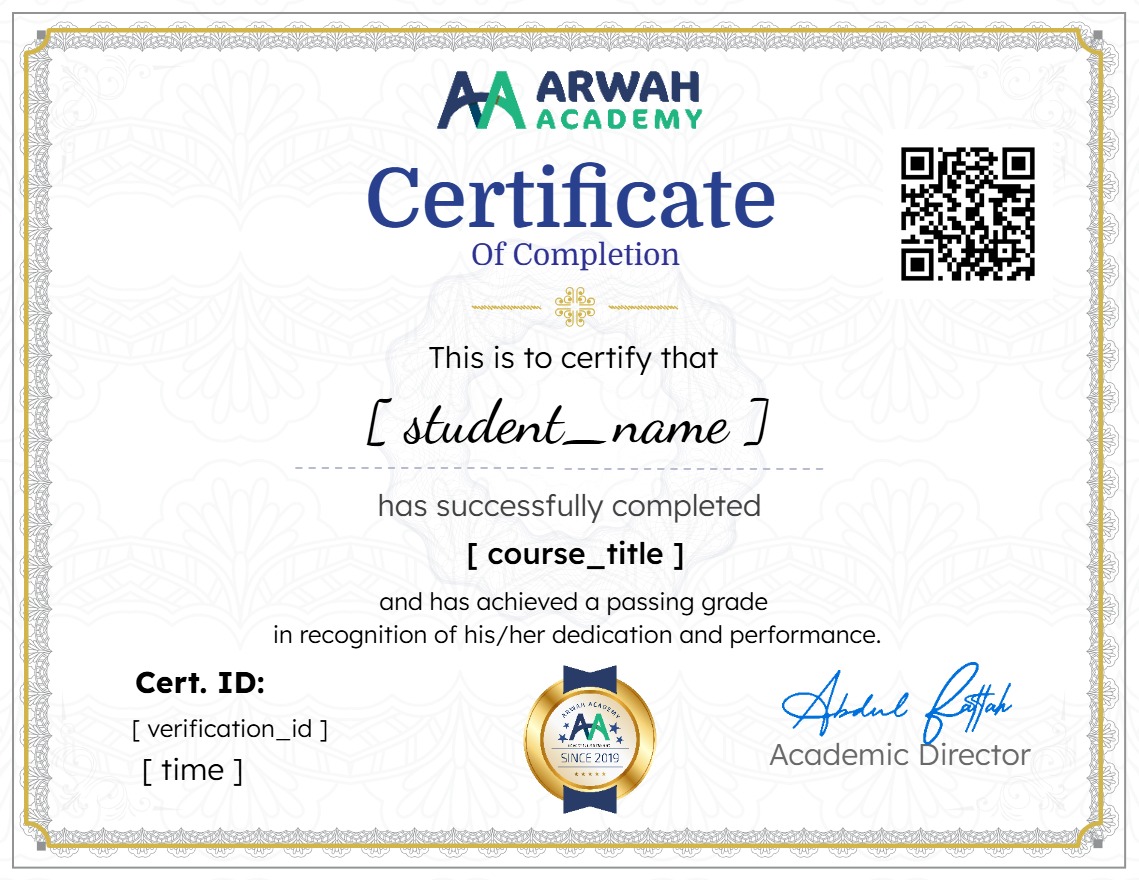
Earn a certificate
Add this certificate to your resume to demonstrate your skills & increase your chances of getting noticed.
Your Instructors

admin
See more
$6.99
Material Includes
- Microsoft Windows Installation Setups
- 1 Year Access (for full payment method)
- Quizzes
- Final Exam