Microsoft Windows – Advanced Training
About This Course
This Course is designed for individuals with little to no experience using computers or the Windows operating system.
The course provides a hands-on introduction to Windows, focusing on helping learners become confident and independent users of their PC.
Through step-by-step lessons, interactive demonstrations, and practical exercises, learners will explore the essential features of Windows, including the desktop interface, Start Menu, File Explorer, basic system settings, and everyday tasks such as browsing the internet, managing files, and installing applications.
Whether you’re a first-time computer user, a student, a senior citizen, or someone returning to Windows after a long break, this course will equip you with the foundational skills you need to use a Windows 10 computer efficiently and safely.
Learning Objectives
Material Includes
- Microsoft Windows Recourses
- 1 Year Access (for full payment method)
- Quizzes
- Final Exam
Requirements
- A computer or Laptop is required.
- You are committed to taking the course and spending time on it.
- No prior knowledge or experience about computer basics is required.
Target Audience
- Non-technical professionals.
- Users upgrading from older Windows versions
- Anyone who wants to understand how windows work.
- People switching from other platforms.
- Take this course if you want to get started with computer in Details.
Curriculum
MODULE #1: INTRODUCTION
Introduction to Microsoft Windows
Computer Components
Types of Computers
Parts of Computer
Function of Computer
Kinds of Software
Operating System
Types of Monitors
Keyboard Keys & Functions
Quiz #1
MODULE #2: PROJECTS
MODULE #3: ADVANCED
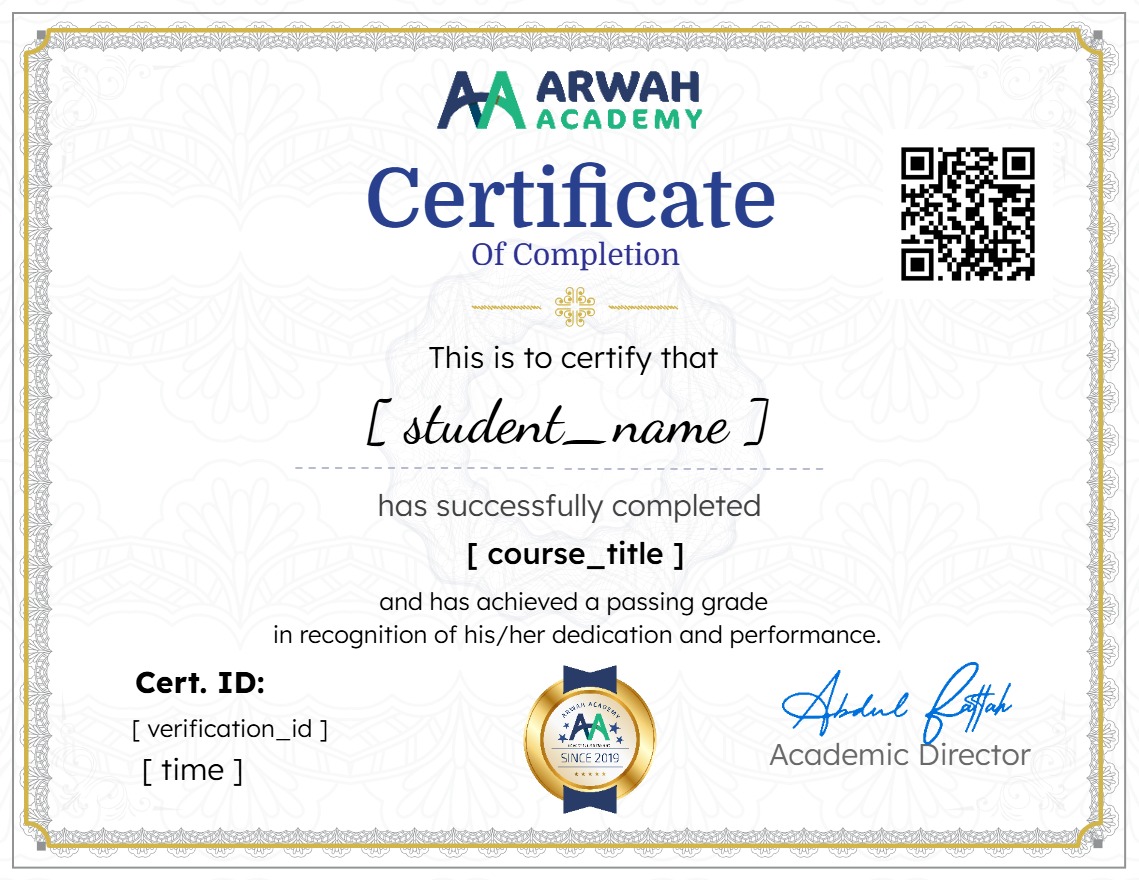
Earn a certificate
Add this certificate to your resume to demonstrate your skills & increase your chances of getting noticed.
Your Instructors

admin
See more
$10.99
Material Includes
- Microsoft Windows Recourses
- 1 Year Access (for full payment method)
- Quizzes
- Final Exam