Microsoft Word – Essential Guide
About This Course
This course introduces learners to Microsoft Word, the world’s most widely used word processing software.
Whether you’re writing a resume, designing a report, or formatting a business letter, this course equips you with the essential skills to create professional documents efficiently and confidently.
Suitable for beginners or users with limited experience, the course walks you through the core tools, features, and best practices for document creation and editing.
Learning Objectives
Getting Started with Microsoft Word Interface.
Creating, Saving, and Managing Documents.
Text Formatting and Paragraph Styling.
Using Tables, Images, and SmartArt.
Headers, Footers, and Page Numbering.
Working with Bullets, Numbering, and Indents.
Printing and Exporting.
and much more...
Material Includes
- Microsoft Word recourses
- 1 Year Access (for full payment method)
- Quizzes and Midterm
- Final Exam
Requirements
- Basic computer skills.
- Including how to use a mouse, keyboard, and file system.
- No prior Microsoft Word Knowledge needed.
Target Audience
- Students.
- Office workers.
- Entrepreneurs.
- Job seekers.
- Anyone looking to improve their digital documentation skills.
Curriculum
13 Lessons1h 87m
MODULE #1: INTRODUCTION
Microsoft Word Overview
Saving, Opening, Cut and Paste & More…
Groups, Find, Replace & More…
Insert Image, Page Number & More…
Header, Footer, & Page Number & More…
Smart Art, Equations & More…
Word Orientation, Borders & More…
Spelling, Grammar & Document Security
Quiz #1
MODULE #2: PROJECTS
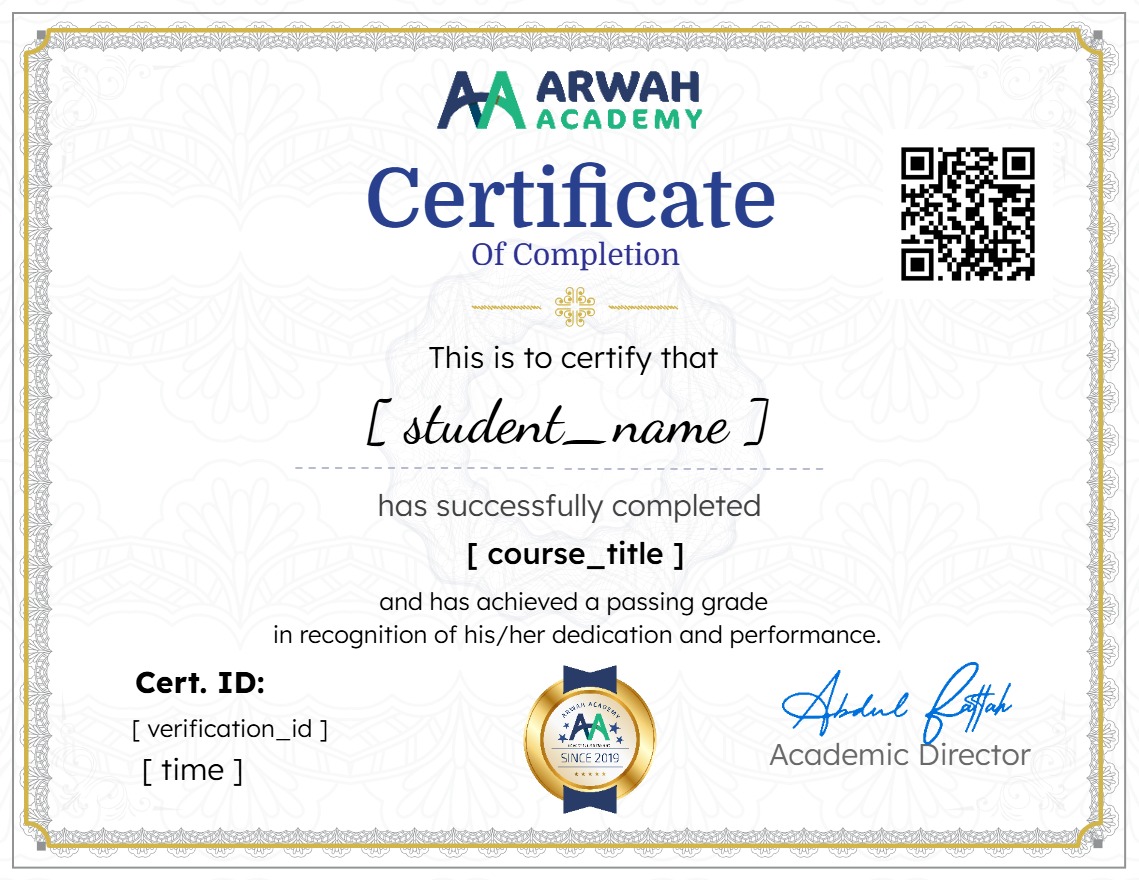
Earn a certificate
Add this certificate to your resume to demonstrate your skills & increase your chances of getting noticed.
Your Instructors

admin
See more
$10.99
Material Includes
- Microsoft Word recourses
- 1 Year Access (for full payment method)
- Quizzes and Midterm
- Final Exam